Skip to content

HEGIAS

Virtual reality for architects. I led the team that built the web app.

2020 to 2021 · Senior Full Stack Developer

hegias.com (opens in a new tab)

People onthe team
6
From HEGIAS’s own tutorial video, 2023
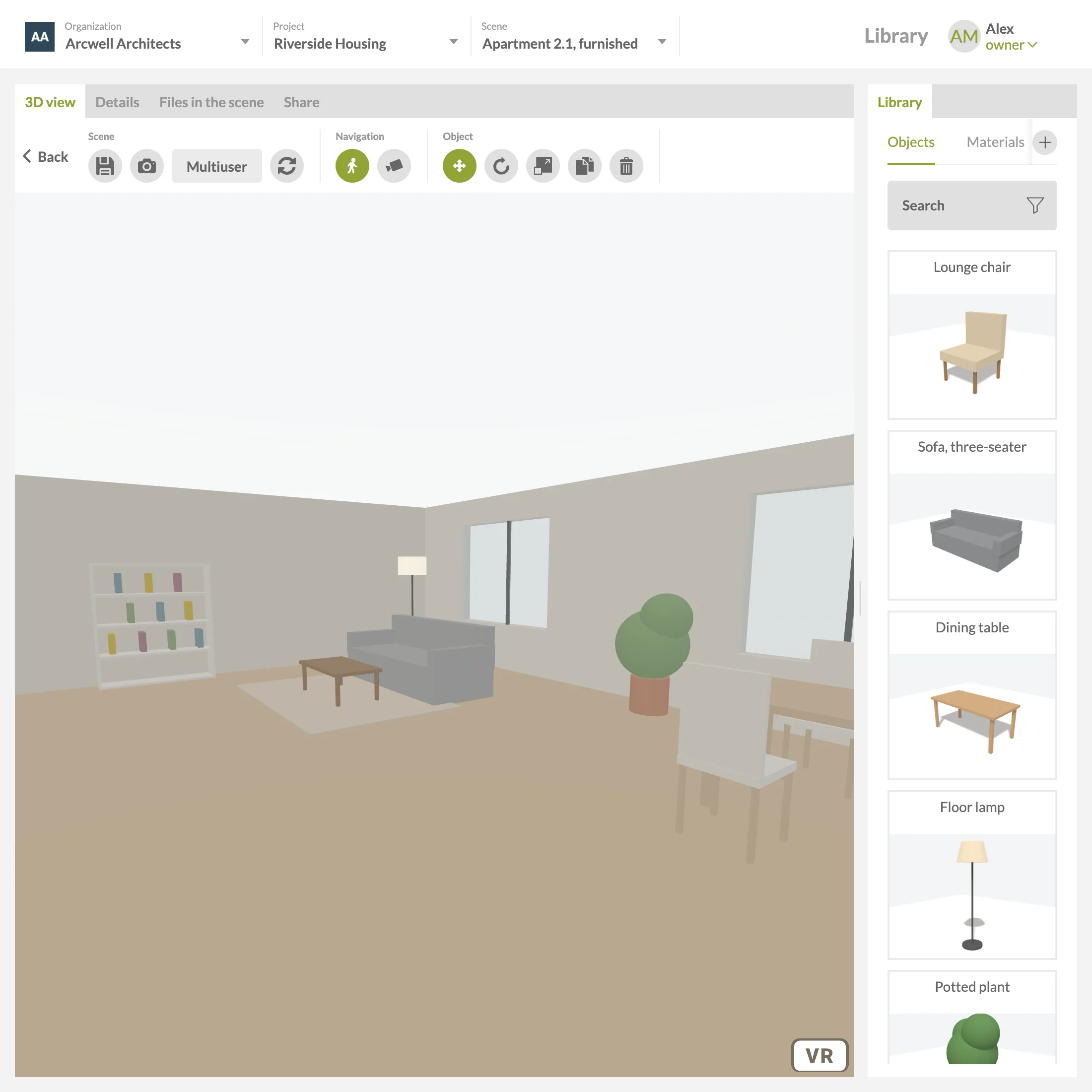
The HEGIAS scene editor: organisation, project and scene switchers, a toolbar, a simple 3D living room with a bookshelf, a sofa, a floor lamp, a plant and a dining table, and the object library on the right, from a lounge chair to a potted plant.
The scene editor, with the furniture library beside it · recreated 2026, demo data

A pipeline: 3D or BIM files are uploaded, converted in the cloud to a compact GLB file, opened in the browser and viewed in a VR headset; a branch shows several people joining the same scene.

From model to headset

An architect drops a building model into the browser, and it comes back as a scene light enough to walk through in a headset, alone or together.

  1. ExportFrom the tool the architect already uses.
  2. UploadThe browser checks the files before they leave.
  3. ConvertSimplified, sorted into floors and walls, saved as a light GLB.
  4. OpenWalk through it, furnish it, change materials. All a client needs is a link.
  5. Enter VRThe same page, in a headset.
  6. TogetherSeveral people in one scene, with voice.
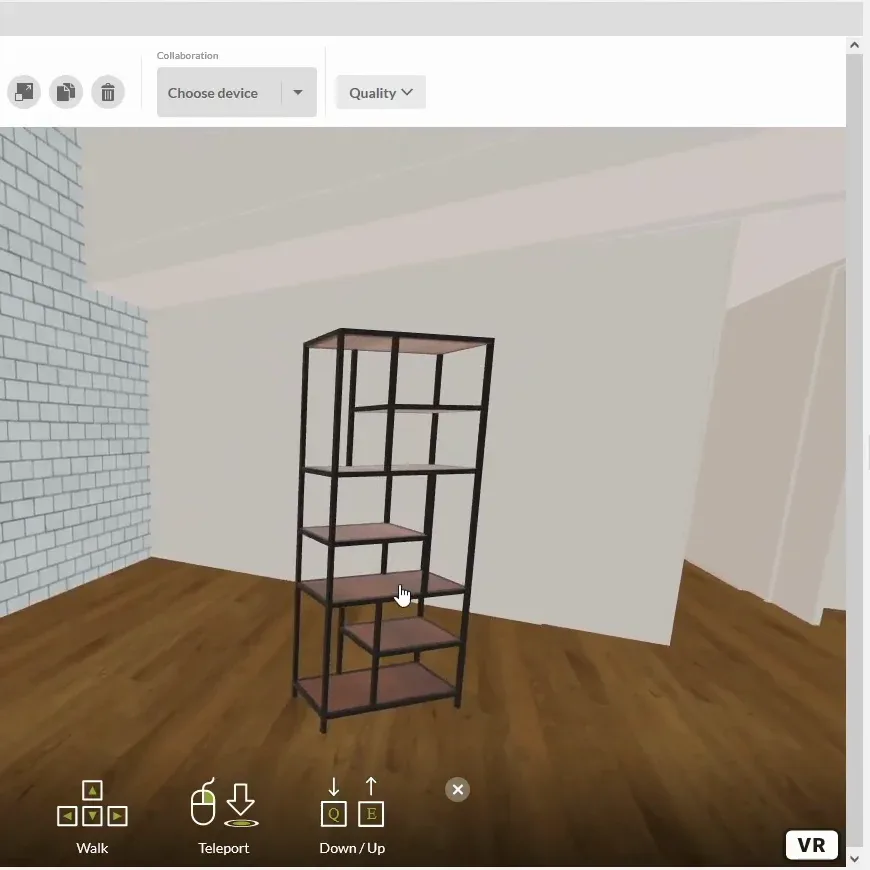
A building got into a headset in four moves: exported as it was, uploaded through the browser, converted in the cloud into a light 3D file, and opened in a browser that could step into VR.
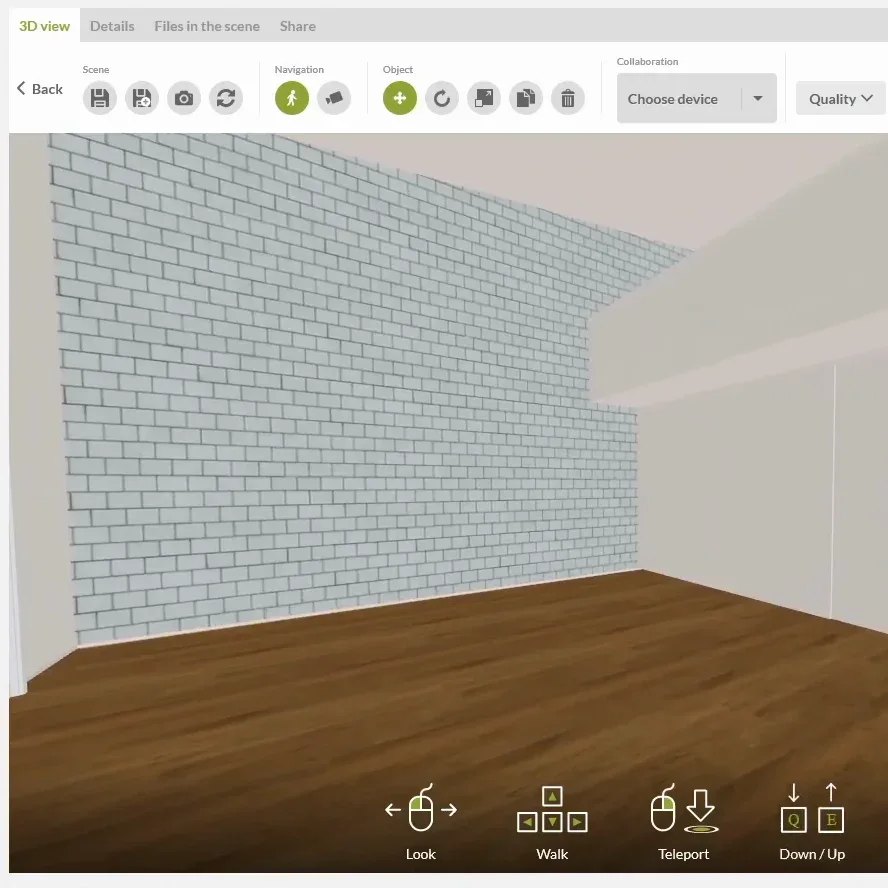
Furnishing a scene. From HEGIAS’s own tutorial video, 2023
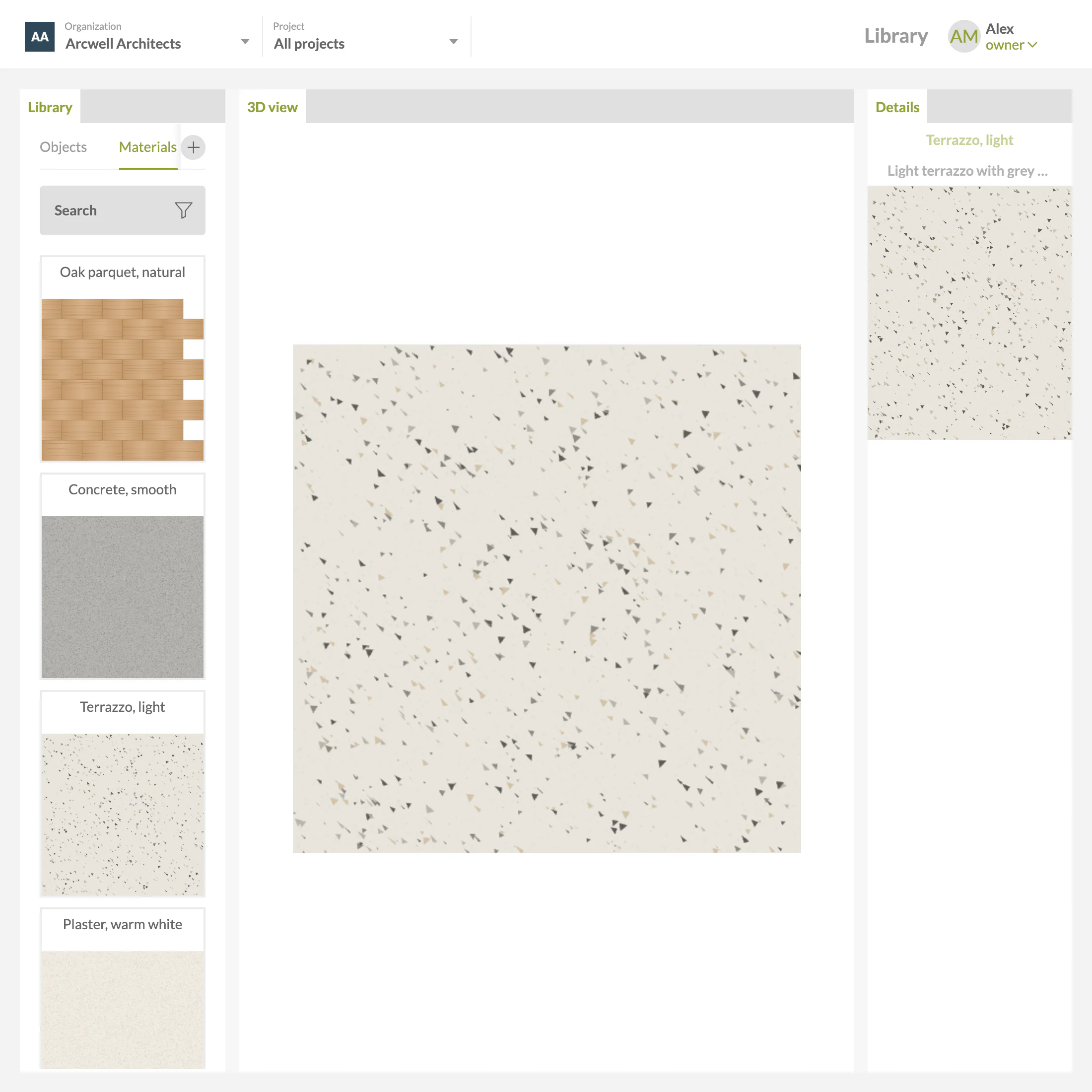
The material library: a list of materials, a large swatch of light terrazzo and its details.
The material library: a list, a 3D view, the details · recreated 2026, demo data
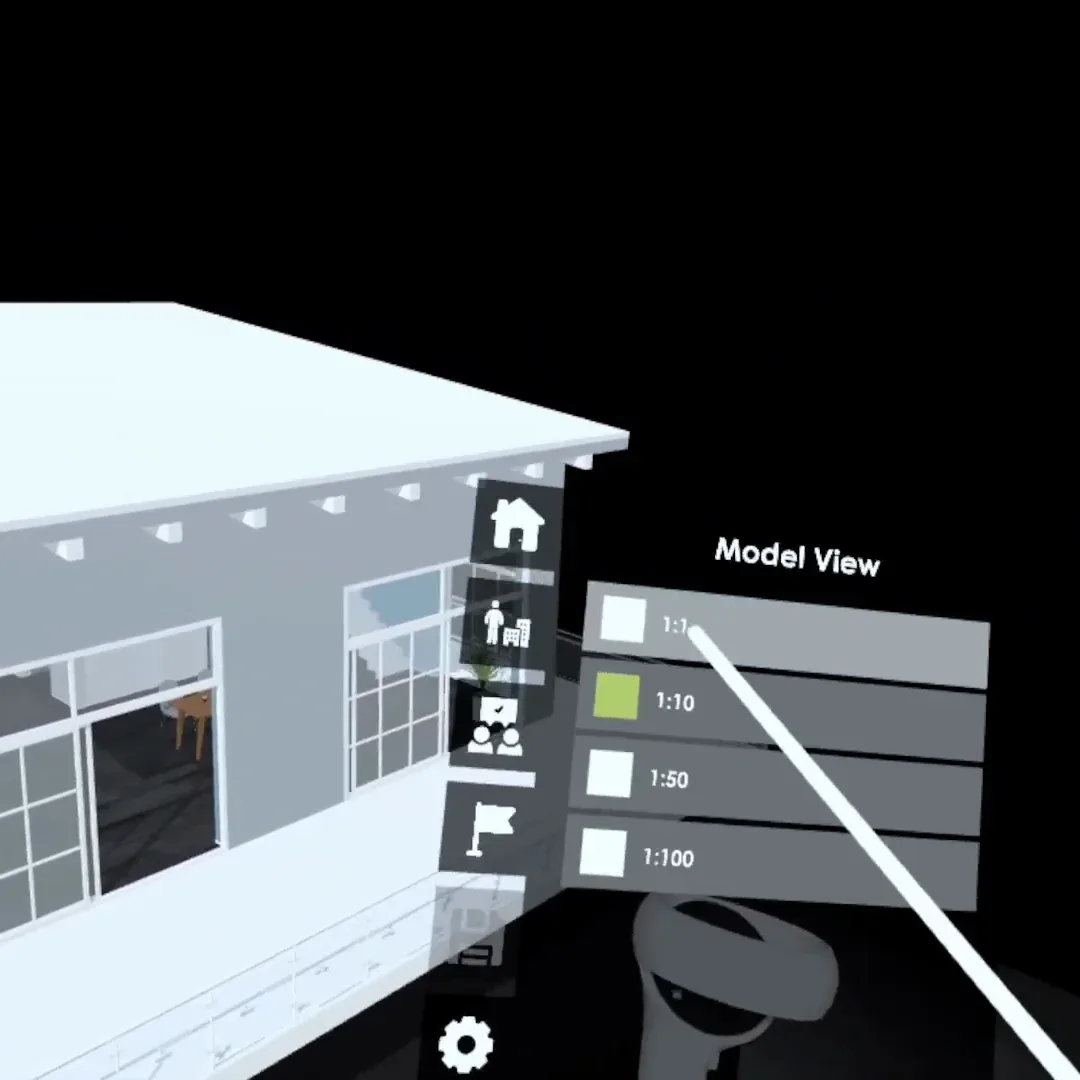
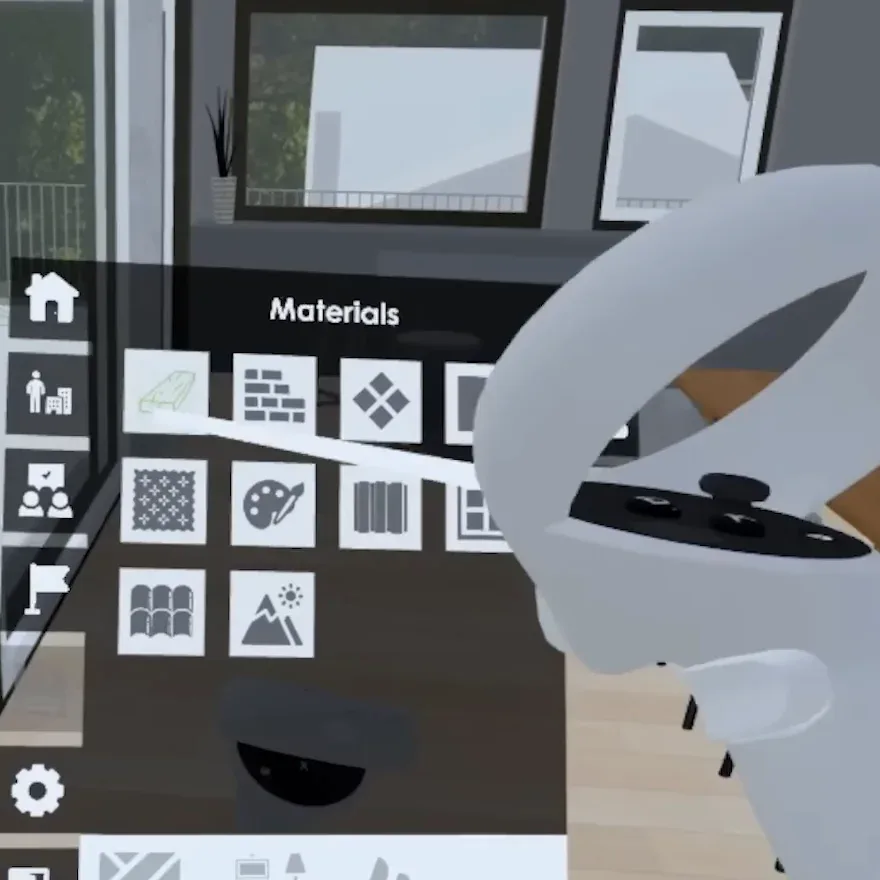
Inside the model, in VR. From HEGIAS’s own tutorial video, 2023
On an Oculus Quest. From HEGIAS’s own product demo video, 2023